- The Product Prism
- Posts
- ⌨️ 🤖 How to Prompt Like A Pro
⌨️ 🤖 How to Prompt Like A Pro
A simple guide to asking better questions and getting sharper results from Gen AI tools.

Gloria Adebayo
July 31, 2025 • Estimated Reading Time: 9 minutes

Insights
If you’ve ever opened ChatGPT, typed something in, and thought: “That’s not what I meant, nor what I want”. You're not alone. It happens to all of us, even the pros. You sit there, hopeful, curious, maybe even excited, you type your question, hit Enter... and the result is not so exciting.
Vague, robotic and a tad too safe. That’s because most people use AI like they use Google with short, flat commands that have no context, structure, or real direction. ChatGPT and other Gen AI tools are collaborators, and just like any collaboration, what you get out of it depends on how well you ask.
That’s where prompting like a pro comes in: prompting with structure and a mindset shift.
This short guide will walk you through exactly that.
Why simple prompts often fail and how to fix them.
What separates vague, “meh” outputs from sharp, precise results.
The five elements every strong prompt includes.
A reusable prompt formula you can adapt for almost anything.
3 Prompt Personalities.
🆕 AI Tool of the Week.
Let’s dive in! 🚀
What is Prompt Engineering?
Prompt engineering is the practice of designing clear, purposeful, and effective instructions for large language models (LLMs) like ChatGPT. These instructions, called “prompts,” guide the model’s behaviour, telling it what role to play, what task to perform, and how to deliver the results.
Prompt engineering is less about tricks and more about structured communication. Prompting is not just typing. It is:
- a skill
- structured thinking.
- instructional design.
It’s the difference between merely suggesting something to the model and guiding it to deliver what you want.
Why It Matters
Language models are trained on vast amounts of data, but they lack common sense and intent. They rely entirely on the prompt. Even small changes in your phrasing can produce dramatically different outputs.
Here’s a simple example:
❌ “Write about the future of education.”
✅ “You are an education futurist. Write a 300-word article on how AI will transform high school classrooms by 2030. Focus on engagement, personalization, and teacher support. Use a persuasive tone.”
Did you notice the difference?
The second one gives the model a clear role, scope, audience, structure, and tone.
The 5 Building Blocks of a Strong Prompt
Think about the last time you asked a colleague for help. If you said, “Explain this,” you probably got a confusing answer. But if you said, “Explain this like I’m a new hire who’s never seen our system before,” suddenly, the response was actually useful.
AI works the same way.
You don’t need to write an essay to get a great response; you just need to include the right details in the right places. Most strong prompts boil down to five simple elements that tell the AI:
Role — Tell the AI who it’s pretending to be (e.g., a coach, strategist, chef)
Task — Be specific about what you want (e.g., write, summarize, plan)
Context — Give background: who is this for? what’s the situation?
Format — Define how you want the output (list, table, paragraph?)
Tone — Guide the voice: friendly, clear, bold, professional?
It’s like giving the AI a character, a purpose, and a target.
Prompt Template
Here’s a simple plug-and-play template you can use for almost anything:
“You are a [role] helping [audience] with [topic].
Write a [format] that [task description].
Use a [tone] tone.
Keep it under [word count] and avoid [constraint or bad pattern].”
What to Avoid When Prompting
AI is powerful, but it’s not a mind reader. Most weak prompts fail for the same few reasons, and once you know them, you’ll spot and fix them.
The "Do Something" Prompt [Too Vague]
Why it fails: AI defaults to generic when you do.
Write about leadership. | You're a Fortune 500 CEO. Write a 300-word LinkedIn post on why empathetic leadership boosts retention, and use a conversational but authoritative tone. |
The "Better, But How?" Prompt [No context]
Why it fails: "Improve" means nothing without an audience or goal.
Improve this email. | Rewrite this sales email for busy doctors. Cut jargon, emphasize time savings, and keep it under 100 words. |
The "Tone-Deaf" Prompt [No voice guidance]
Why it fails: Default tone = robotic textbook.
Explain solar panels. | Explain solar panels to a skeptical homeowner as if you’re their neighbor who just installed them; warm, slightly technical but not salesy. |
The "Wish Upon a Star" Prompt [Unrealistic Expectations]
Why it fails: AI needs guardrails to be creative for you.
Create a viral TikTok script. | Script a 30-second TikTok for a gym targeting Gen Z. Hook: ‘3 workout myths wasting your time.’ Include humour and a CTA to download our free form-check guide. |
The Golden Rule
Garbage in = Garbage out. Throw clear thinking and structure in the mix, and AI becomes your best collaborator.
💡 Pro Tip: Before hitting send, ask: "Could a human do this task well with just my prompt?" If not, refine.
BONUS: The Prompt Upgrade Checklist
Next time you prompt, ask:
Role: "Who is the AI pretending to be?"
Task: "Is the action crystal clear?"
Context: "Did I include audience/goal/constraints?"
Format: "How should the answer look?"
Tone: "What voice should it use?"
Try It Live:
🚫 Weak: "Give me social media tips."
✅ Strong: "You’re a viral Instagram coach. Give me 3 Reels ideas for a pottery studio targeting millennials. Format: Hook + 3 key steps + playful CTA."
The 3 Prompt Personalities That Always Work
If you are not sure how to frame your requests, these three archetypes cover 90% of what you’ll ever need from AI. Think of them as ready-made templates.
1. The Consultant (Structured, Analytical)
When to use: For data-driven tasks, strategic planning, or when you need crisp analysis.
Template:
"Act as [expert]. Analyze [data/subject] for [specific goal]. Present as [format] with [tone]."
Examples:
"Act as a financial analyst. Compare Tesla and Ford’s Q3 earnings reports for swing traders. Present as a 5-bullet cheat sheet with bullish/bearish signals."
"Act as a dating coach. Analyze my Hinge profile (below) for why matches drop off after messaging. Give 3 tactical fixes in a table."
Why it works: The Consultant thrives on specificity. The more precise your inputs, the sharper the output.
2. The Storyteller (Narrative-Driven)
When to use: For engaging content, explanations, or when facts need flair.
Template:
"You're [character]. Tell [audience] about [topic] through [story device]."
Examples:
"You're a 1920s newspaper reporter. Tell TikTok users about the invention of sliced bread as a scandalous exposé."
"You're a wise grandmother explaining blockchain to a 7-year-old. Use a fairy tale about village market trades."
Why it works: Stories stick. By assigning a character and device (metaphor, allegory, etc.), you force AI to ditch jargon and connect.
3. The Problem-Solver (Action-Oriented)
When to use: When you’re stuck, overwhelmed, or need "unblocking."
Template:
"I'm struggling with [issue]. Suggest [number] solutions considering [constraints]."
Examples:
"I'm struggling to reheat day-old pizza without sogginess. Suggest 3 methods assuming I only have a microwave and toaster."
"I need to apologize to my boss for missing a deadline. Give me 4 email approaches ranging from formal to lighthearted."
Why it works: Constraints breed creativity. The Problem-Solver shines when given guardrails.
How to Choose Your Prompt Personality
Need answers? → The Consultant
Need engagement? → The Storyteller
Need fixes? → The Problem-Solver
💡 Pro Tip: For hybrid tasks, combine them:
"Act as a startup founder (Storyteller), explaining why our app failed (Consultant) to potential investors. Include three pivots we’re considering (Problem-Solver)."
Final Thoughts
Prompting well is one of the most useful skills you can build right now, no coding required. It helps you write faster, plan better, think deeper, and create more.
So the next time you open ChatGPT, don’t just type whatever comes to mind. Be
Design your prompt, give it structure & purpose. It’s not about typing, it’s about asking better.
See you next time.
AI Tool of the Week
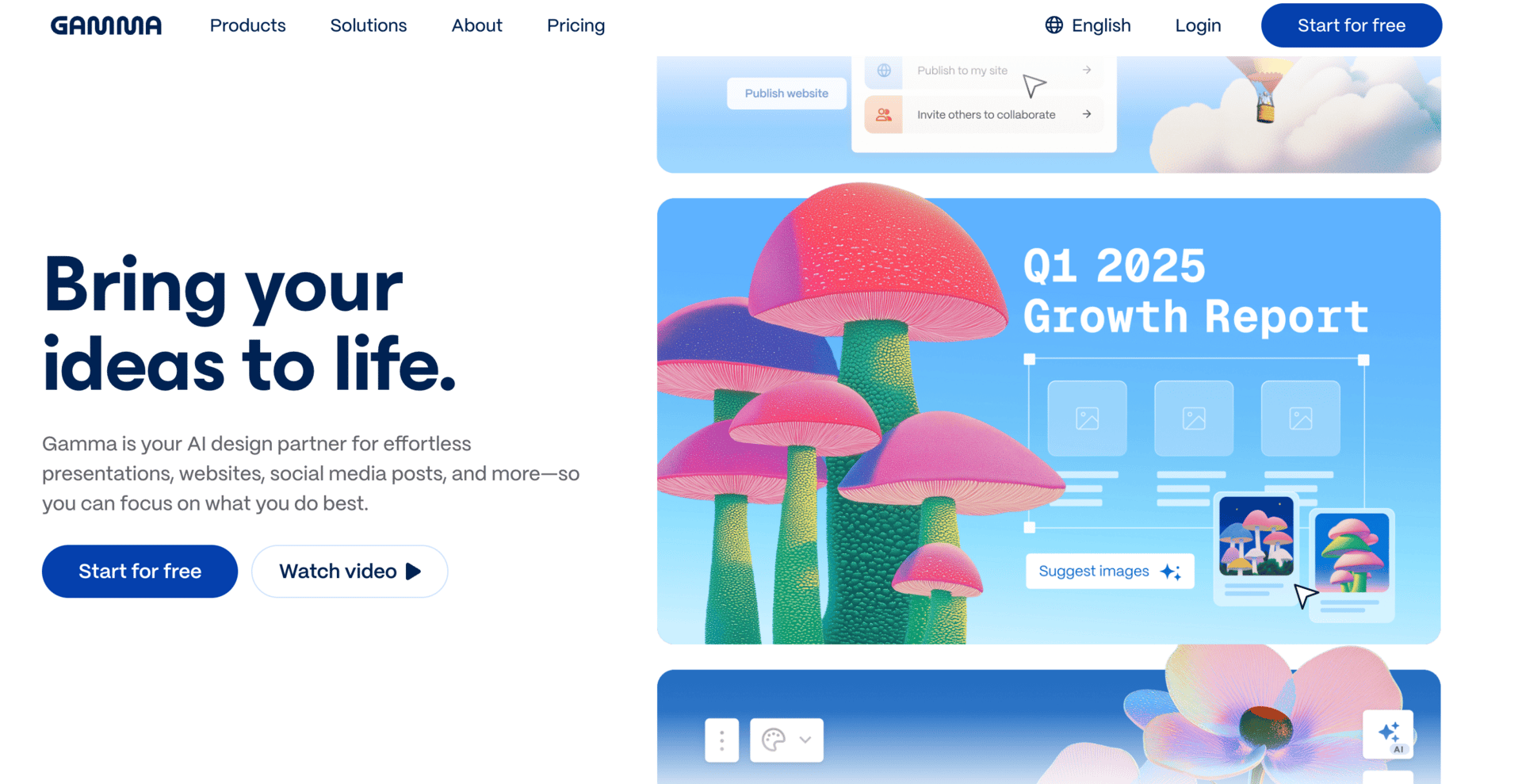
Gamma (Presentation/Doc Generator)
What it is: Creates sleek decks, documents, or web pages from a prompt.
What it does:
- Designs layouts, adds visuals, and formats content.
- Edits like a doc (no design skills needed).
Use Cases:
- Founders building investor pitches fast.
- Teams creating internal reports or wikis.
- Educators designing lesson plans.
Cost: Free (unlimited drafts); Pro ($10/month for analytics/branding).
Link: Gamma.app
Why it’s special: Turns vague ideas into polished deliverables in 60 seconds.
Going for An Interview?
🔗 Try Interview Buddy (v3): https://mock-interview-buddy.streamlit.app/
[It’s free, so there’s a general bucket daily limit]
To serve you better and create relevant content, please take a few minutes to complete this Survey. Thank you!